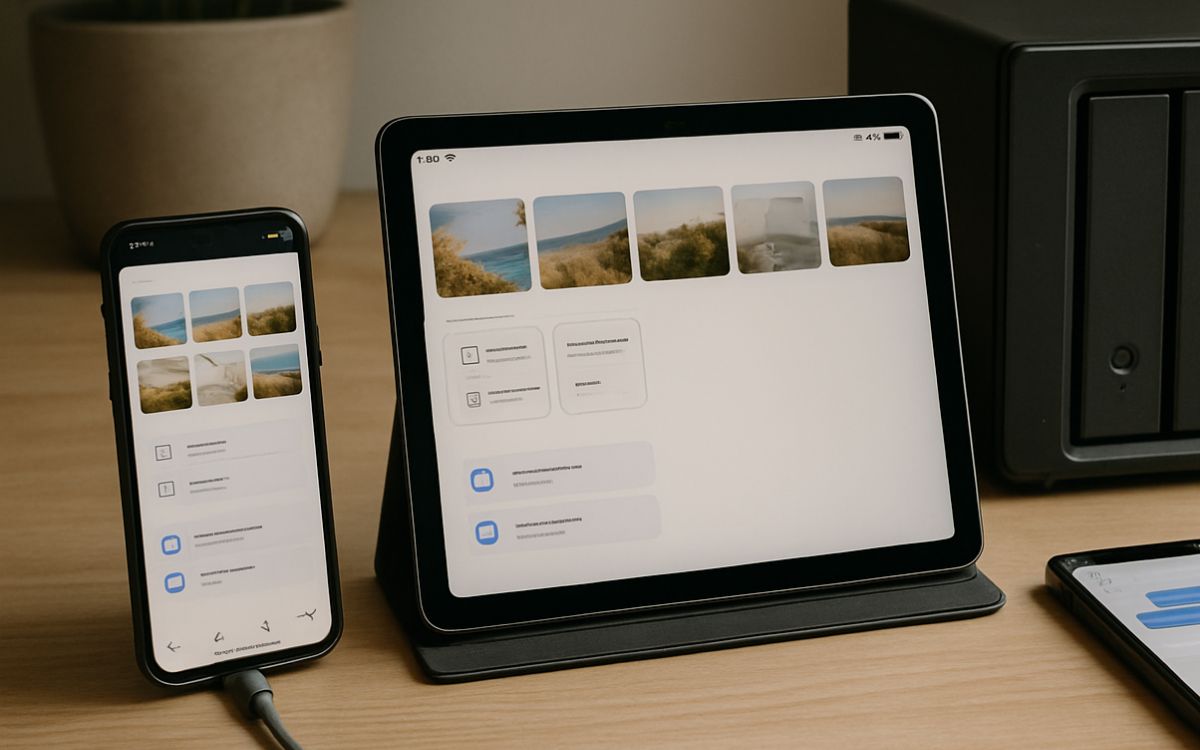
In today’s connected world, switching between a phone, tablet, and laptop feels effortless. Photos captured on one device appear instantly on another, documents remain up to date everywhere, and messages continue without interruption. This seamless access is not accidental. It is powered by cloud computing, data synchronization, and secure global infrastructure. Behind every synced gallery or chat thread lies a complex system designed to store, process, and deliver information reliably across devices and networks.
The Role of Cloud Storage
Modern devices rely heavily on cloud storage services. Instead of storing data on a single device, files are uploaded to remote servers managed by technology providers. These servers act as centralized repositories, allowing multiple devices to retrieve the same information whenever needed.
When a photo is taken or a document is edited, the device automatically uploads the updated version to the cloud. Any other connected device linked to the same account can then download the latest copy. This eliminates the need for manual transfers using cables or external drives.
Cloud storage systems are designed to handle vast volumes of data while ensuring availability. Redundant storage methods keep copies of files in multiple locations so that access remains uninterrupted even if one server experiences an issue.
Data Synchronization Technology
Seamless availability depends on synchronization technology. Sync software monitors changes made to files, images, or messages. When a change occurs, only the updated portion of the file is transmitted to the cloud, not the entire file. This approach saves bandwidth and speeds up updates.
Once uploaded, servers update the master version stored online. Other devices periodically check for updates and automatically download them. This process often occurs in the background without user interaction.
Real-time synchronization is especially important for messaging platforms. When a message is sent from one device, it is stored in the cloud and instantly delivered to all other connected devices. As a result, conversations remain consistent across screens.
The Importance of Datacenter Infrastructure
Behind every cloud service lies a powerful datacenter network. A datacenter houses thousands of servers, networking equipment, and storage systems. These facilities are built with strict environmental controls, backup power supplies, and advanced cooling systems to maintain performance and reliability.
Data is often distributed across multiple datacenters in different geographic regions. This distribution reduces latency and improves speed by serving content from the nearest available location. It also enhances resilience, as backups stored in separate facilities protect against data loss.
Security measures within a data center include controlled access, surveillance systems, encryption protocols, and continuous monitoring. These safeguards ensure that personal photos, work documents, and private messages remain protected while being accessible.
Account-Based Access and Authentication
Access to synced content is tied to user accounts. Each account acts as a secure gateway to stored data. Authentication systems verify identity using passwords, biometric checks, or multi-factor authentication.
Once authenticated, devices receive permission to access cloud-stored content. If a device is lost or replaced, logging into the account on a new device restores files and settings. This account-based system makes device upgrades and transitions smooth.
Encryption also plays a key role. Data is encrypted during transmission and often while stored on servers. Even if intercepted, encrypted information cannot be easily read without proper authorization.
Continuous Internet Connectivity
Reliable internet connections enable seamless syncing. When connected to Wi-Fi or mobile data, devices automatically download and upload updates. If a connection is temporarily unavailable, changes are stored locally and synced once connectivity is restored.
Modern applications are designed to handle intermittent connections gracefully. They maintain temporary copies of recent data to ensure usability even without active internet access. Once online again, synchronization resumes and updates all devices accordingly.
Automatic Backups and Version Control
Another factor that ensures constant availability is automatic backup systems. Cloud platforms regularly back up stored data to prevent accidental loss. If a file is deleted or overwritten, version history may allow retrieval of an earlier copy.
Version control systems track modifications over time. This is especially valuable for collaborative work, where multiple users edit the same document. Instead of replacing entire files, the system records incremental changes and merges updates efficiently.
Integration Across Platforms
Compatibility across operating systems and applications further supports universal access. Many services offer web-based portals in addition to mobile and desktop apps. This means content can be accessed through a browser even if a specific app is not installed.
Standardized protocols and APIs enable different devices and platforms to communicate effectively with cloud servers. As a result, content flows smoothly between smartphones, tablets, laptops, and desktops without manual configuration.
A Connected Digital Ecosystem
Seamless access to photos, files, and messages is the result of coordinated cloud storage, synchronization technology, secure datacenter operations, and reliable internet infrastructure. These systems work together quietly in the background, ensuring that data remains consistent and accessible.
The combination of centralized storage, encrypted communication, automated backups, and global server networks underpins today’s connected digital experience. This integrated approach allows individuals to move between devices confidently, knowing their information remains available wherever they log in.